Are you building an innovative digital solution as part of a digital transformation project in your organization, involving IoT sensors, Wi-Fi, or 5G networks, and a cloud dashboard? OpenWRT provides engineers and developers with an open networking platform to build prototypes for customers and showcase the technology to stakeholders.
An IoT deployment usually consists of sensors installed at a physical asset. The sensors connect to a gateway over Wi-Fi or a 5G network so that a cloud-hosted dashboard can collect sensor data and provide analytics on it. While this may sound simple, setting up Public Key Infrastructure (PKI), IPV6 networking, and VPN tunnels can become a hindrance when working with off-the-shelf devices and network providers during the prototyping phase of the project.
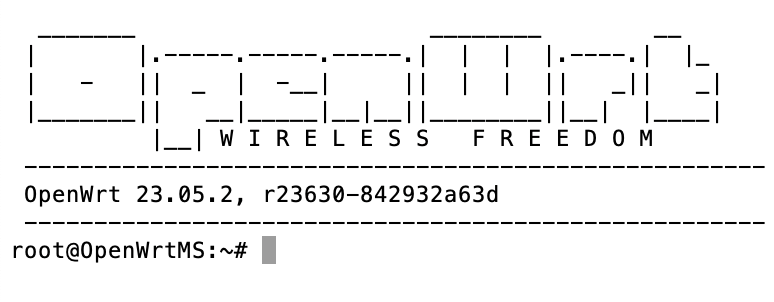
OpenWRT is a massive open-source effort aimed at democratizing access to the configuration of router settings, giving new life to older-generation hardware. A lightweight Linux-based firmware is available for free download and supports a plethora of off-the-shelf routers. For a network engineer, it is “WIRELESS FREEDOM” to innovate and build prototypes!
This blog describes a hands-on adventure of flashing OpenWRT firmware on an economical (70 dollars CAD!) Wi-Fi 6 Linksys router. This was necessary as our client wanted to test a wireless network with a delay on the WAN side of the network. Although OpenWRT supports User Interface(UI) upgrade capability on many routers, some of them need to be flashed via the serial port of the router.
Follow the steps below and don’t be afraid to roll up your sleeves!
Open the router by watching this excellent tutorial by #OneMarcFifty and find the serial port.
Locate the serial port and connect a UART to USB cable to it as shown by the red box on the PCB below.
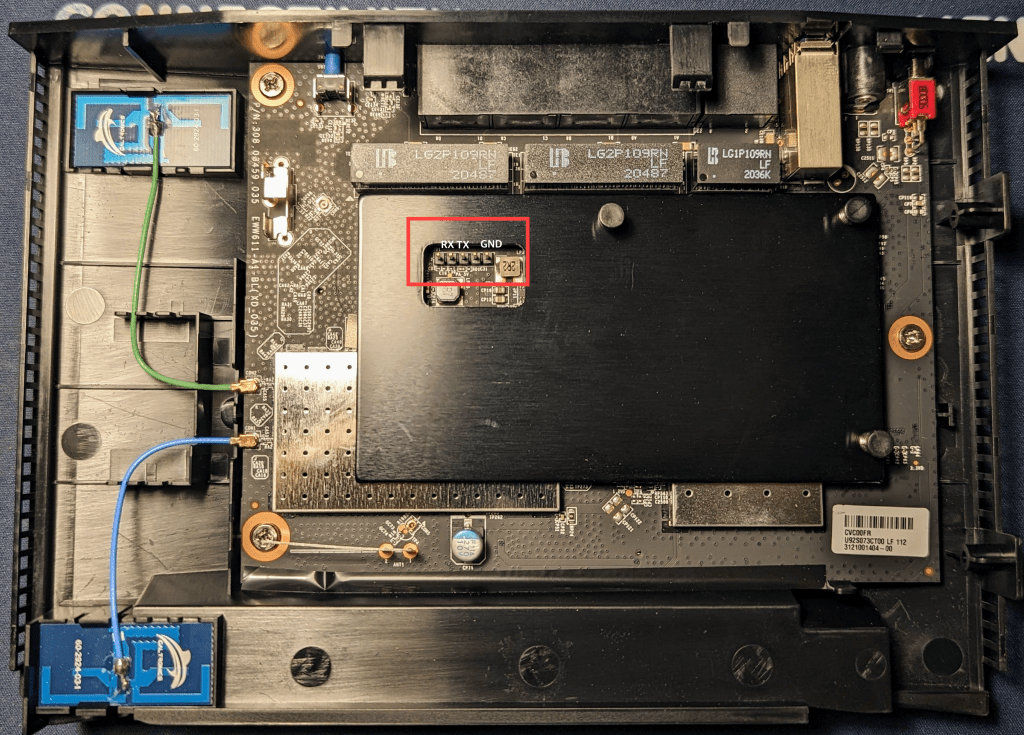
Once you have sorted out the TX/RX port ( you will get it after some hit and trials), follow the steps by an open-source user (LokeYourC3PH) to flash the firmware.
https://forum.openwrt.org/t/linksys-e7350-openwrt-install/156673/62
And Wallah!, you have state-of-art router firmware at your fingertips.
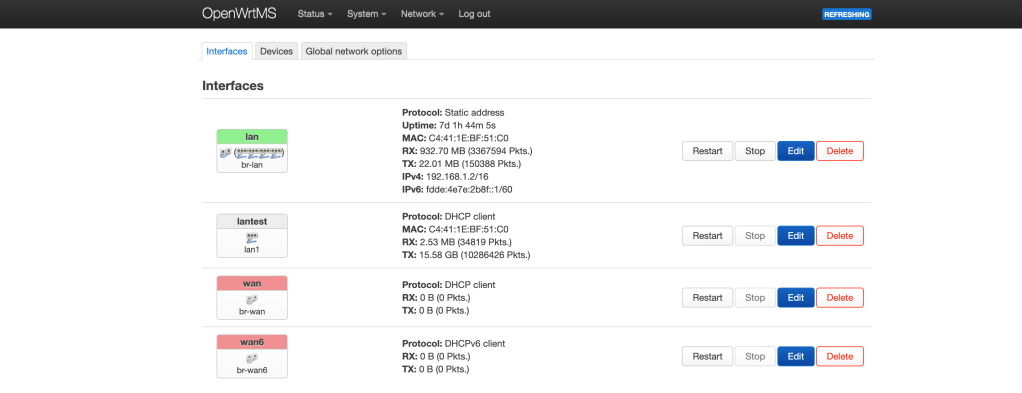
OpenWrt has a great user interface called LuCI which has a lot of knobs exposed for users to configure the router-Go explore and build your next prototype to get your stakeholders interested!
Don’t have resoruce our time to do it yourself- Contact us to understand how we can help you build your next IoT prototype!

 Sarodeoverwireless Consulting
Leave a comment